
Support Center
Quick Setup & Fix Guide
Select a specialized service category for urgent help with your document imaging hardware.
Connect and configure your scanning hardware with our rapid imaging integration assistance.
Re-establish communication and bring your device back online with our expert networking help.
Clear error codes and restore functionality to your equipment with professional guidance.
Synchronize your hardware with local networks for seamless cable-free printing and file sharing.
Receive specialized guidance to clear mechanical obstructions and reset feed rollers safely.
Resolve subscription errors and supply level detection issues for uninterrupted printing flow.
Troubleshoot output failures to restore clear text and images to documents fast.
Access technical support for mechanical failures, feed jams, and essential maintenance.
Three ways Printersetupsolutionhub helps with your wireless printer and scanner:

Wireless Setup Help
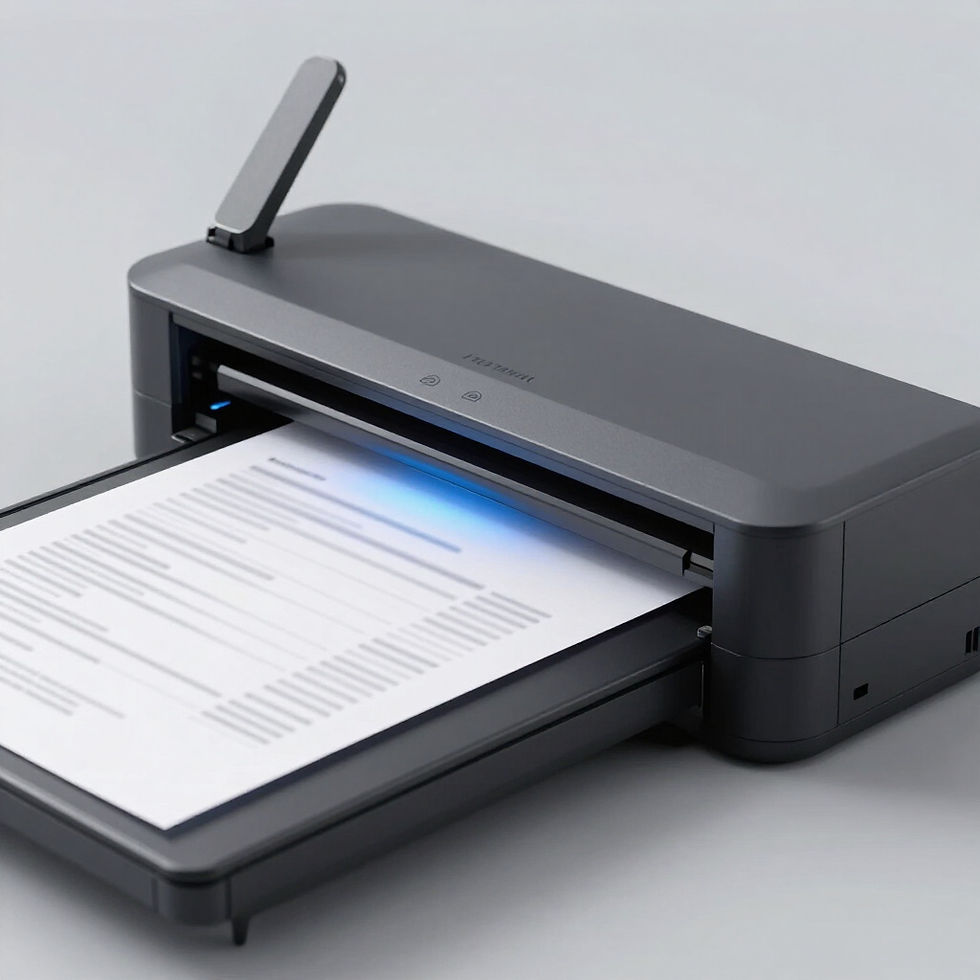
Scan Setup Help

Print Quality Help
PLAIN ENGLISH TECH GUIDANCE
Master Your Devices with Confidence
We are an independent, education-first service. We explain every step in plain English so you can calmly complete and repeat tasks yourself. Guidance is brand-neutral, focused on clarity and safety. Note: We do not provide hardware repairs, remote access, warranty processing, or manufacturer representation. Images shown are for illustrative purposes only and do not indicate endorsement, affiliation, or approval by any brand.

Simple Troubleshooting Guidance for Home & Office
We utilize an education-first approach to help you manage your devices with confidence. Follow these plain-English checks to resolve common issues safely yourself. Please note: we are an independent resource and do not provide hardware repairs or remote access.
1. Software and Driver Setup
- Identify your model: Check the label on the front or top of your device. Finding the exact model name ensures you download the matching software for your hardware.
- Download from the official site: Visit the manufacturer's official support page for the latest 'Full Feature Driver'. Official drivers contain the most recent security patches and bug fixes.
- Wait for the prompt: Only connect your USB cable when the installer asks you to. This prevents your operating system from trying to install generic, limited drivers automatically.
2. Device Unresponsive Support
- Verify power levels: Ensure the power cord is pushed firmly into both the device and the wall outlet. A loose cable can cause intermittent power failures.
- Look for error codes: Check the device screen for light patterns or numeric messages. These built-in signals often identify simple issues like tray misalignment or empty supplies.
- Perform a standard restart: Turn off the device, unplug it for 30 seconds, then plug it back in. This completely clears the device's temporary memory and resets the internal logic.
3. Printer Offline Solutions
- Set as Default: In your computer's 'Printers & Scanners' menu, ensure your model is selected as the default device. This tells your computer exactly where to send data.
- Uncheck 'Use Printer Offline': Open the print queue and look for the 'Printer' menu. If a checkmark is next to 'Use Printer Offline', unclick it to restore active communication.
- Restart the Print Spooler: On your computer, restart the 'Spooler' service. This resets the virtual waiting line for your documents, clearing any software stalls.
4. Fixing Dropped Wireless Connections
- Relocate for testing: Move your device within 10 feet of your Wi-Fi router. Physical obstacles like walls or other electronics can interfere with the wireless handshake.
- Re-enter Wi-Fi credentials: Use the device screen to manually 'Forget' and then re-add your wireless network. This fixes many connection drops caused by outdated or corrupt passwords.
- Reset the network chip: Use the device's internal settings to perform a 'Network Reset'. This wipes old IP address data, allowing the router to assign a fresh, stable connection.
5. Scanning Error Help
- Check the scanner lock: Locate the physical slider switch often found beneath the scanner lid or on the base. Unlocking it allows the internal scanning lamp and motor to move.
- Initiate scan from software: Open the scanning app on your computer instead of using the physical button on the device. Testing the software link directly confirms if the connection is active.
- Inspect the interface cable: If using a USB cable, try a different port on your computer. Scanned images are large files that require a high-quality, uninterrupted data stream back to the computer.
Why Choose Our Education-First Guidance
We provide independent, brand-neutral support focused on clarity, safety, and empowering you to handle your device tasks calmly.
Education First
We teach you the how and why so you stay in control of your devices.
Brand-Neutral
Unbiased guidance focused solely on clarity and safety for your everyday tasks.
Calm Learning
No technical jargon. Just clear steps in plain English for repeat success.
Our Specialized Services
We provide brand-neutral, education-focused guidance in plain English. Our goal is to empower you to calmly complete and repeat your everyday device tasks with confidence.
01
Device Setup
Step-by-step unboxing and configuration tailored for clarity and ease of use.
02
Function Tutorials
Learn to navigate everyday apps and settings with simple, easy-to-follow demonstrations.
03
Connectivity Guide
Syncing your devices safely through clear networking explanations without technical jargon.
04
Safety Check
Basic security and update walkthroughs focused on maintaining your digital safety.
Important: We do not provide remote access repairs, warranty processing, or hardware fixing. Our images are illustrative and do not indicate endorsement or affiliation with any brand.

Education-First Support
We offer clear, brand-neutral guidance for everyday device tasks. Our goal is to explain each step in plain English so you can calmly complete and repeat tasks yourself. Please note: we are an independent service and do not provide hardware repairs, remote access, or manufacturer representation.

Safety & Clarity First
Our guidance is focused on safety and user empowerment. Images on this site are illustrative only and do not indicate endorsement, affiliation, or approval by any brand. We focus on brand-neutral steps that prioritize your security and device longevity.
What We Provide
- • Plain English Steps: Easy-to-follow verbal guidance for setup.• Brand-Neutral Advice: Focused on hardware logic, not specific labels.• Calm Task Support: Helping you repeat processes for future independence.• Connectivity Clarity: Solving software communication gaps without remote access.• Policy Disclaimer: No hardware repairs, warranty processing, or brand representation.• Illustrative Graphics: Visuals are for demonstration and do not imply affiliation.• User-Led Action: We explain the steps so that YOU stay in control.